Panasonic Varicam
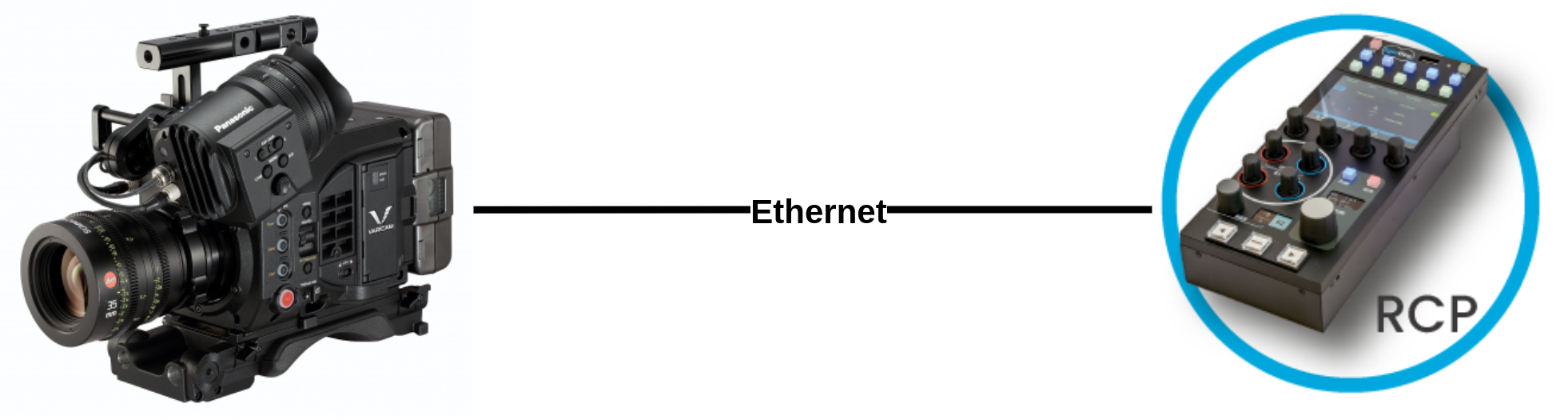
The Panasonic Varicam is a cinema camera controlled over IP. It connects to the Cyanview RCP or RIO via Ethernet using a static IP address and fixed credentials. Typical use cases include remote production and live broadcast with cinema-grade image control.
Supported Models
- Panasonic Varicam — all variants using the IP control interface with
guest/p2guestcredentials
Supported Controls
| Control | Notes | ✔ |
|---|---|---|
| Iris | ✔ | |
| Gain | Master | ✔ |
| Shutter | ✔ | |
| White Balance | Master, Red, Blue gains | ✔ |
| Black / Pedestal | Master, Red, Blue | ✔ |
| White Clip | ✔ | |
| Knee | ✔ | |
| Saturation | ✔ | |
| Detail | ✔ | |
| Multi-Matrix | ✔ | |
| Tally | Red, Green, Call — see Tally overview | ✔ |
| Menu / OSD | ✔ | |
| Lens | ✔ |
Compatible Cyanview Devices
- RCP for local (LAN) and remote control (internet)
- RIO for remote control (internet)
Connection
The Varicam connects over IP/Ethernet. Connect your RCP or RIO to the same network as the camera. The camera must be configured with a static IP address.
Configuration
Camera Configuration
On the camera:
- Set a static IP address on the camera's network interface.
- Ensure the camera has the fixed credentials: username
guest/ passwordp2guest.
RCP Configuration
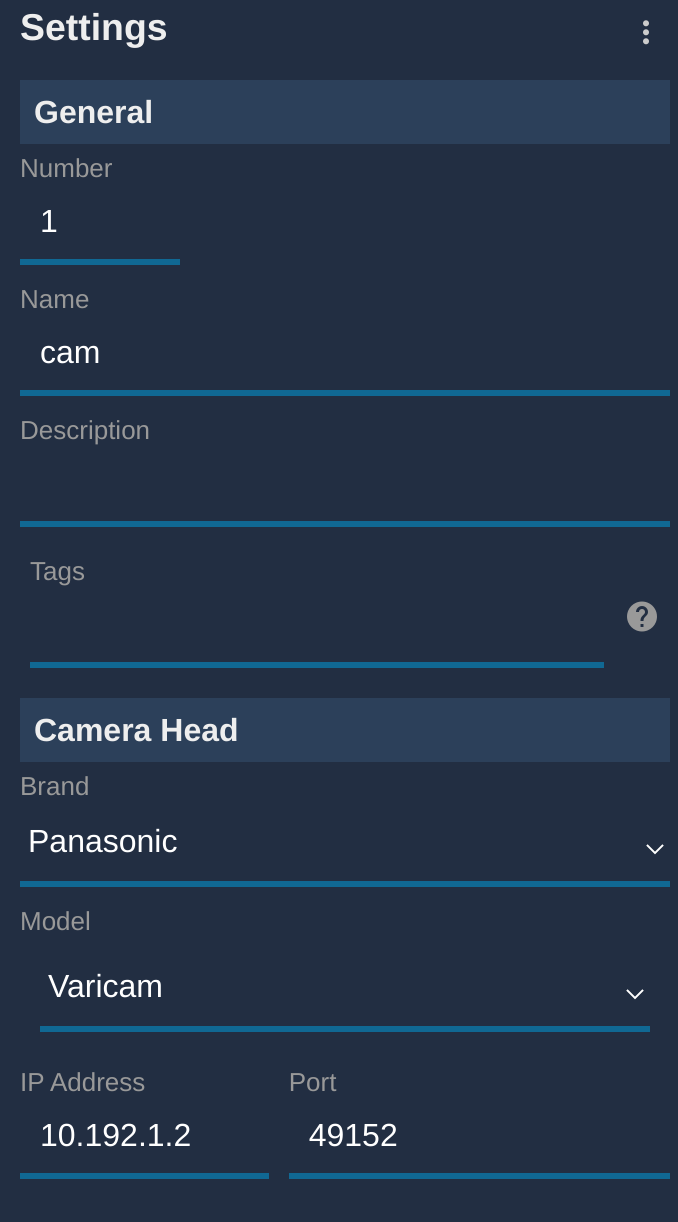
Add the camera as an IP camera. Use brand Panasonic and model Varicam, then enter the static IP address of the camera.
Troubleshooting
Camera icon stays RED / camera not detected
Check in this order:
- Verify camera IP and credentials — confirm the camera has a static IP and the credentials are
guest/p2guest. - Ping the camera from a computer — set the computer to the same IP range and ping the camera IP to confirm basic network connectivity.
- Ping the RCP from the same computer — confirms the RCP and camera are on the same subnet.
- Check the RCP IP — the RCP must have an IP address in the same range as the camera. Follow this guide.
- Power cycle — restart the camera and retry.
A specific parameter is not controllable
- Confirm the camera is running supported firmware.
- Some controls may be unavailable depending on the active color space or OETF setting on the camera.