FX3 - Sony Alpha IP
Sony Alpha Cameras
See the Sony Alpha Page for supported cameras, but this page has been mainly written for the FX3/FX3A
If connecting using USB and a RIO, consult this Page
This page details how to setup an FX3/FX3A with IP Control.
Workflows
Sony FX3
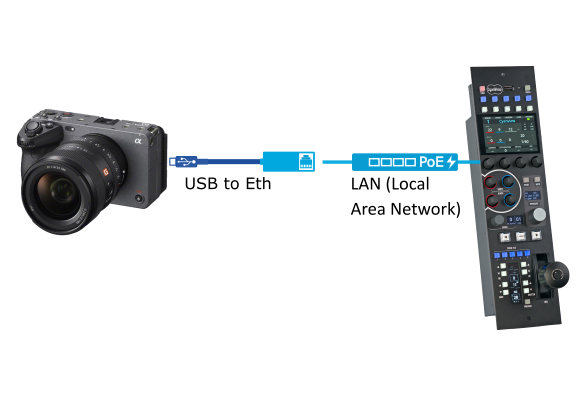
Configuration
Configure the Camera
You will need to make sure you have the correct USB to Ethernet converter. Cyanview has an approved dongle for the FX6 which works with the FX3/FX3A.
Contact Sony for any other dongle compatbiltiy issues
Step 1 - Configure LAN
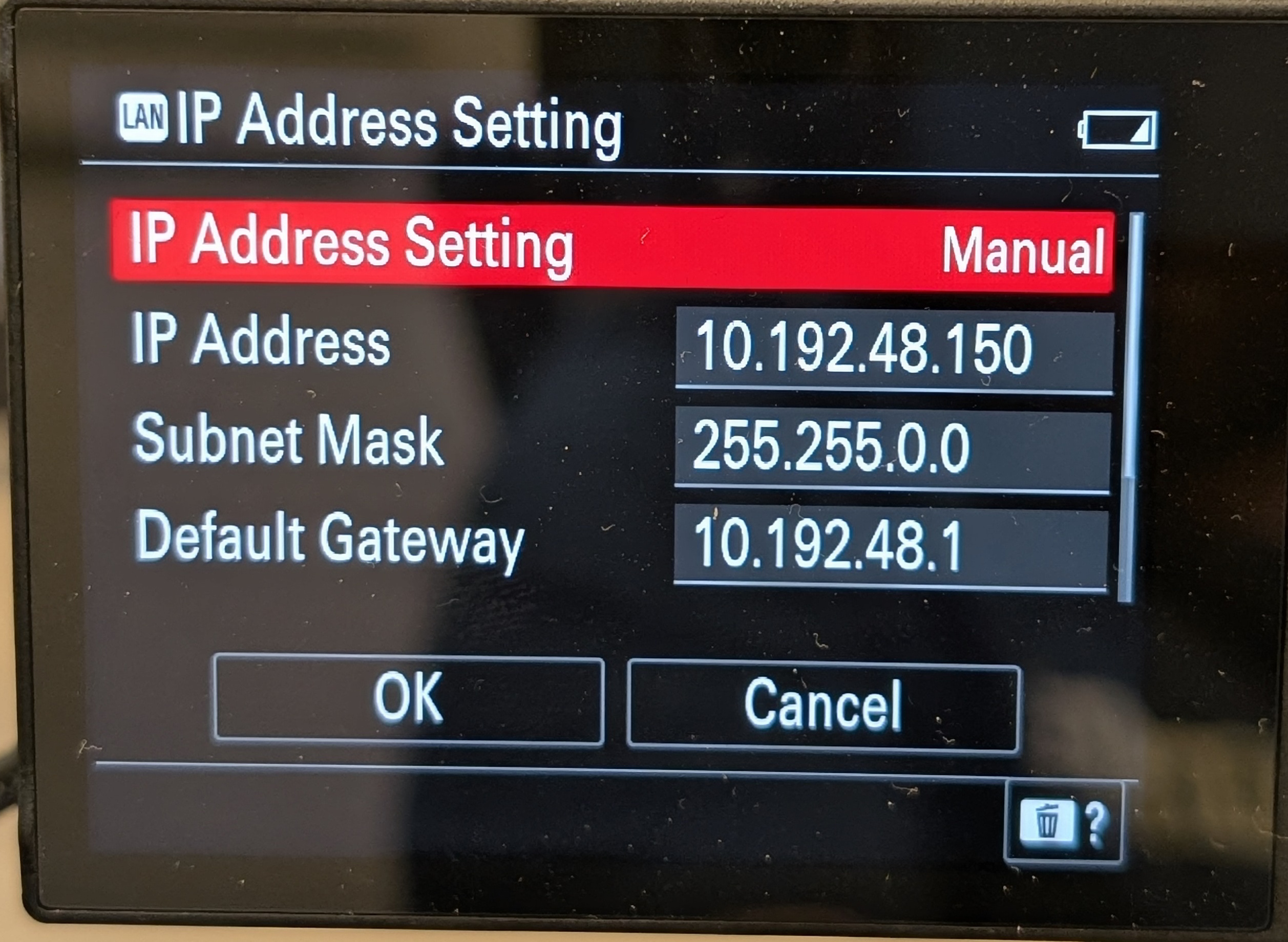
- Go to
MENU→Network→Wired LAN→IP Address→ Configure the IP whether it is DHCP or Static
- Check the IP Address info tab
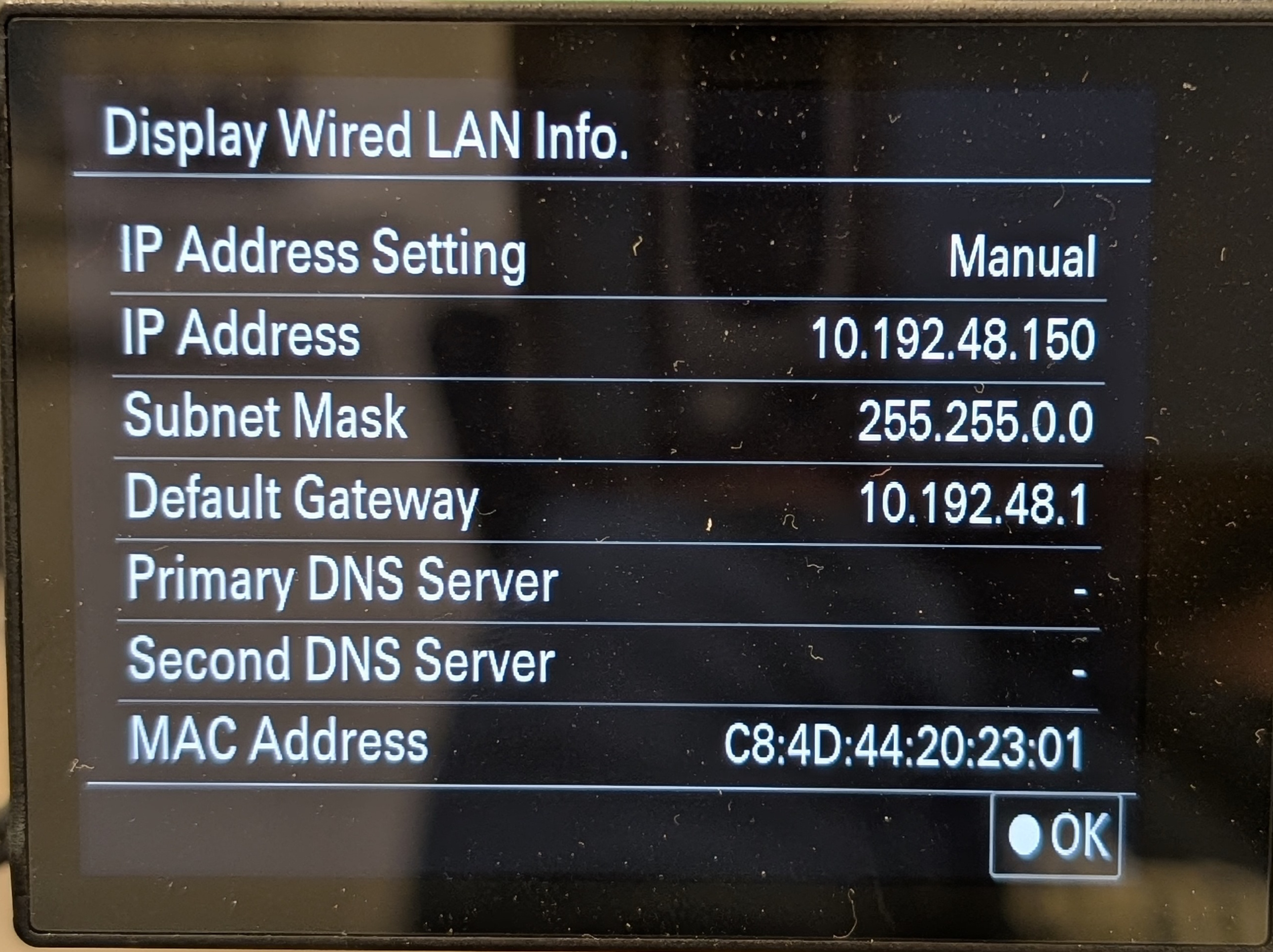
If you have configured this information and nothing appears, it means the dongle is not compatible
Step 2 - Activate LAN
- Go to
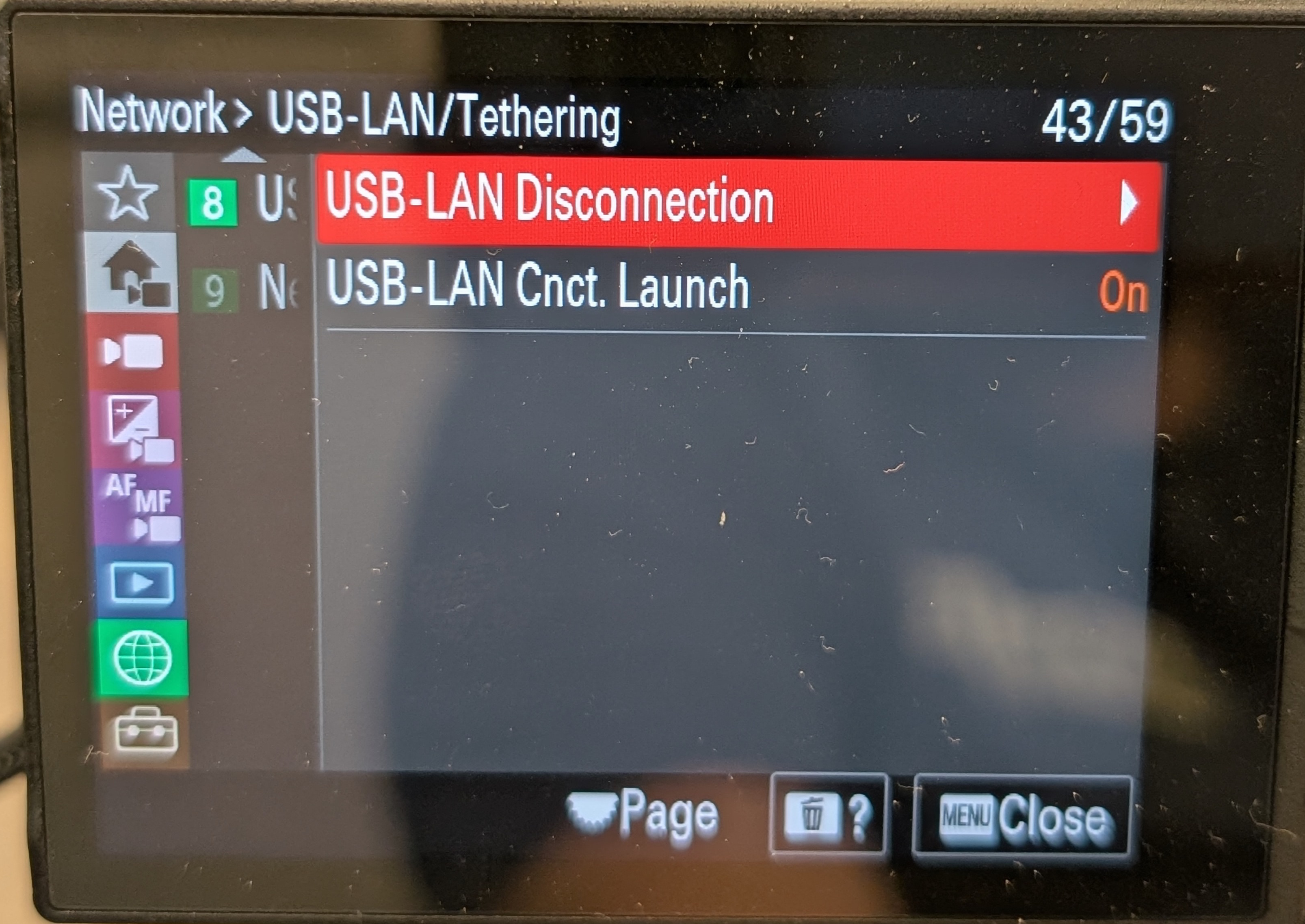
MENU→Network→USB-LAN Tethering→USB-LAN Connection→ Click activate
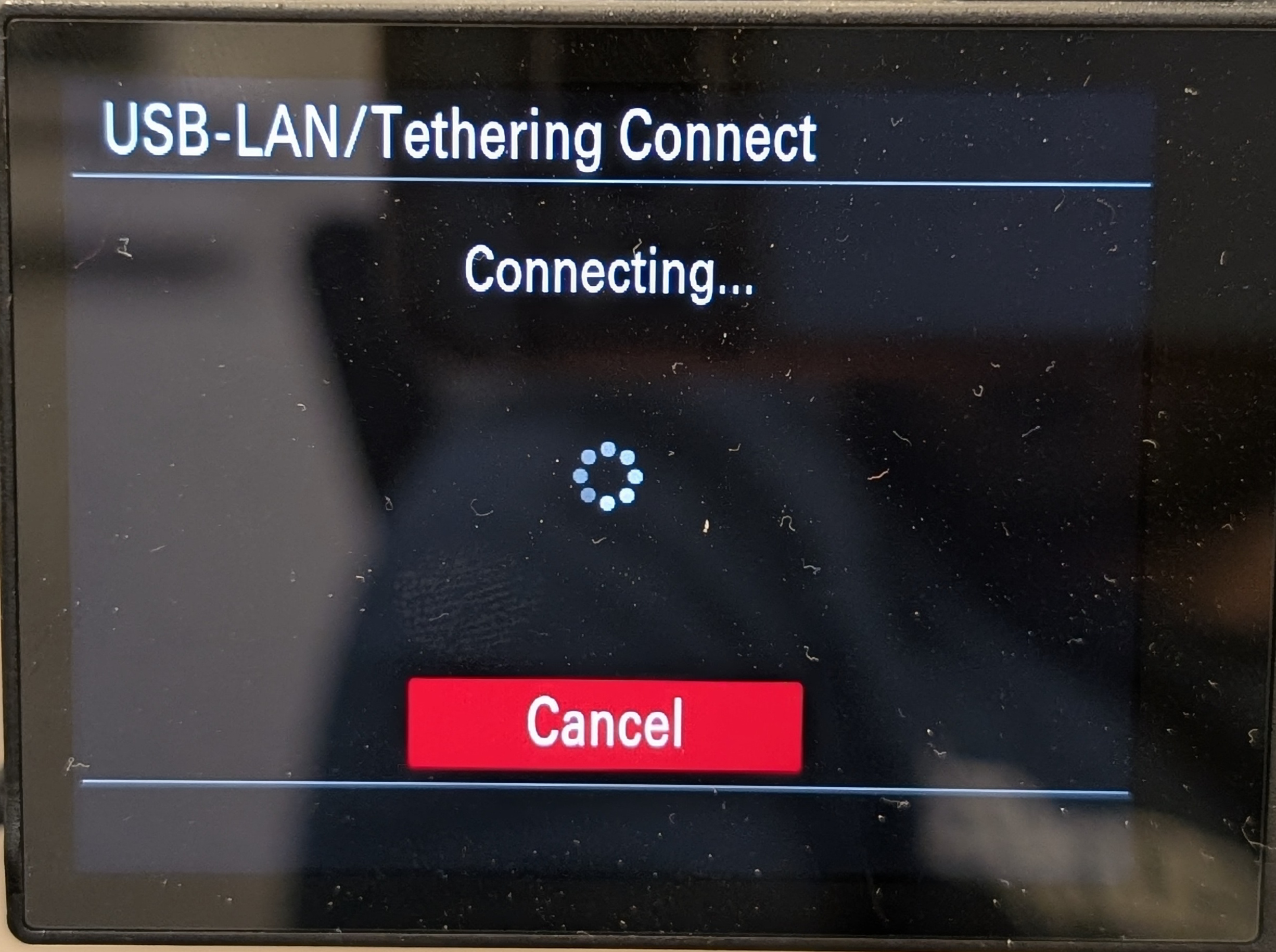
- In the same menu, make sure
USB-LAN Cnct Launchis set to on
Step 3 - Configure Remote Shooting
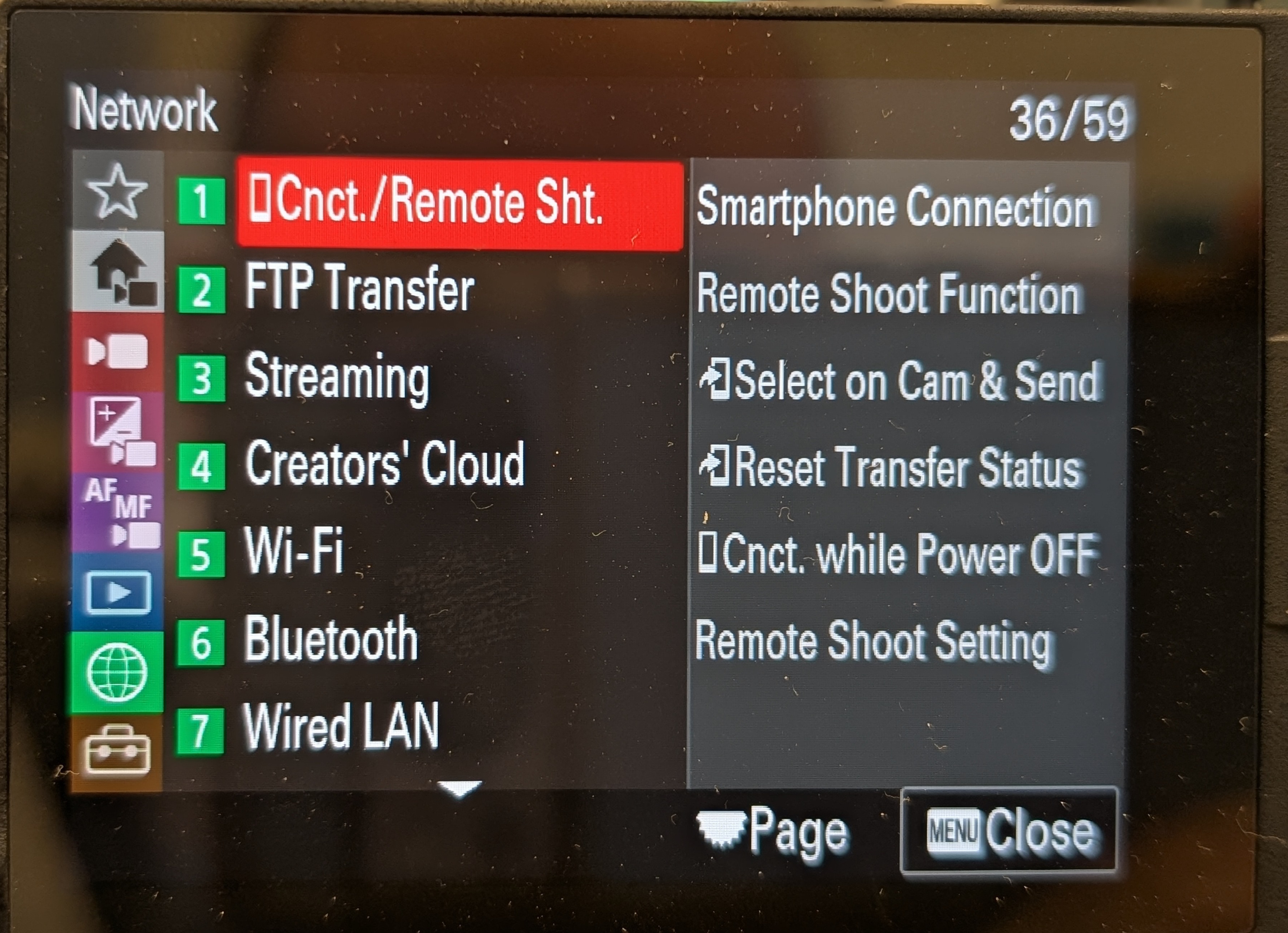
MENU→Network→Cnct./Remote Sht→Remote Shoot Function→Remote Shooting→Off
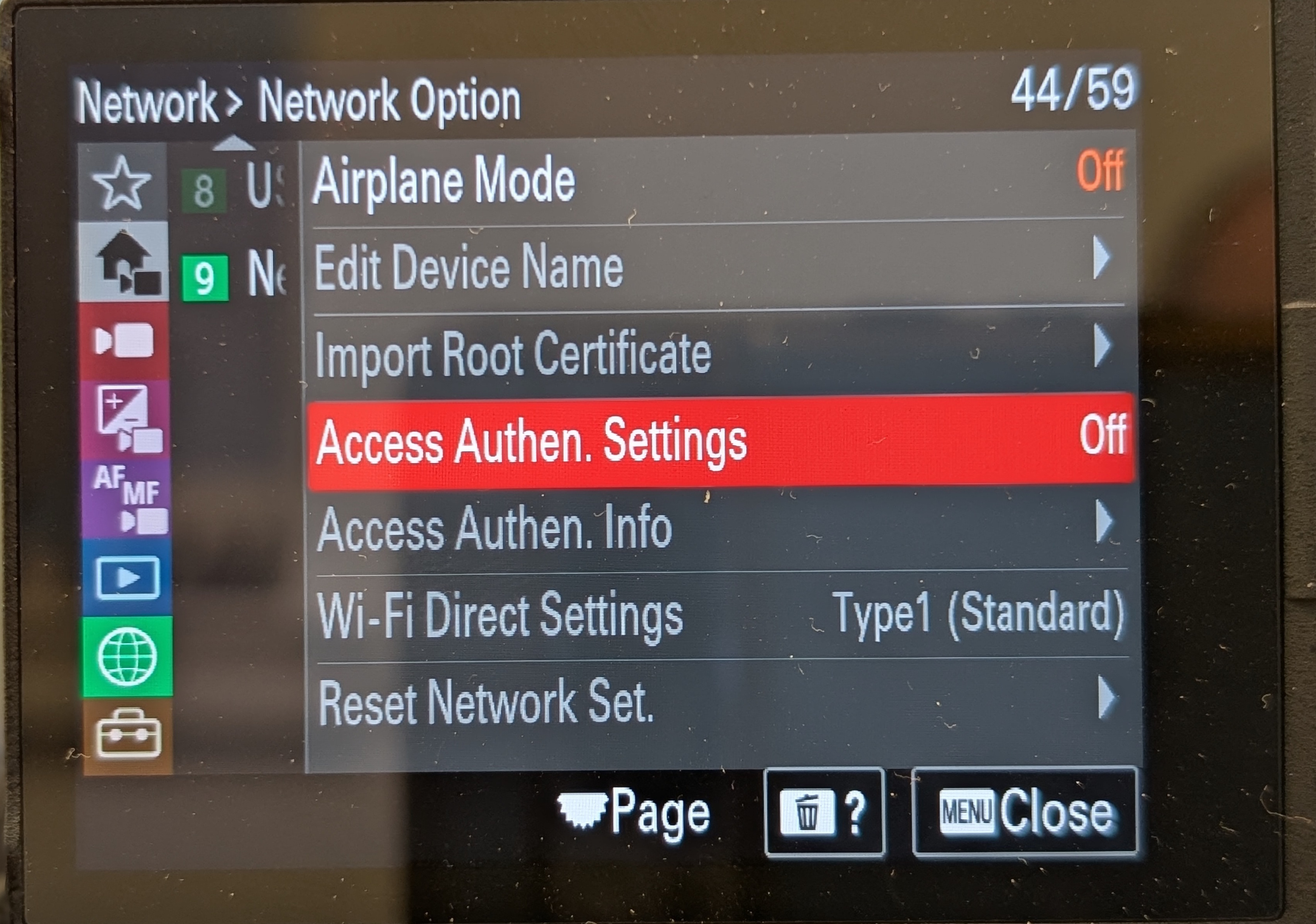
MENU→Network→Network Option→Access Authen Settingsset toOFF.
MENU→Network→Cnct./Remote Sht→Remote Shoot Function→Remote Shooting→On
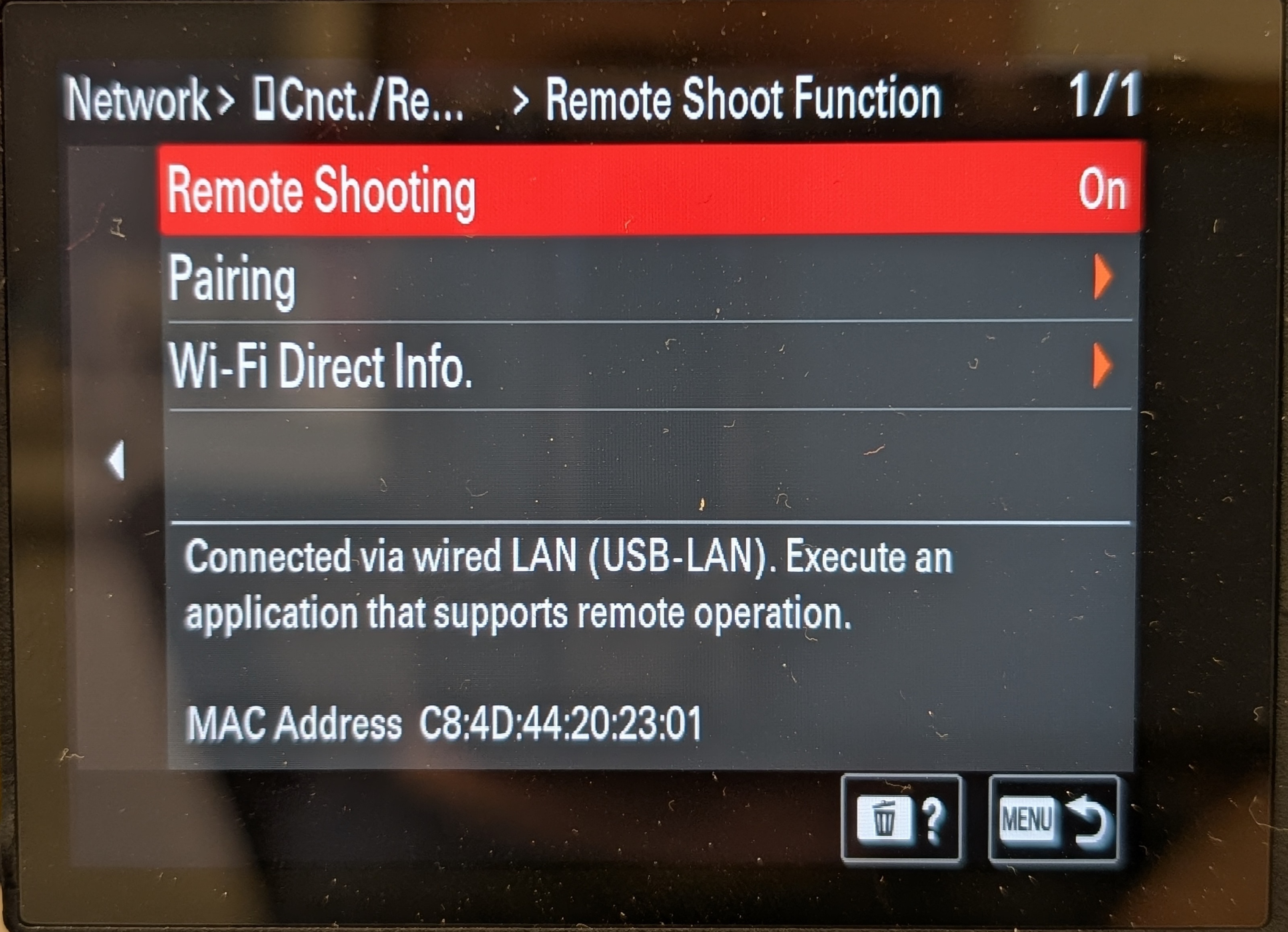
MENU→Network→Cnct./Remote Sht→Remote Shoot Function→Pairing
Once the camera is in pairing, activate the camera on the RCP
Configure the RCP
-
Browse to the RCP
-
Configure the FX3 on the RCP - Make sure you select Alpha - IP

- Once there is a connection to the camera from the RCP, the FX3 will ask to pair the device. It is named
Cyanviewso you know it is your device. Select Ok.
Control the camera
Once paired, you will be able to control the camera
Making it wireless
Most operators of the FX3 or Mirrorless cameras use them on gimbals and want to make the setup wireless
Cyanview doesn't do the wireless part of the workflow, just the camera control
Consult the wireless section which details the different technologies you can use.
The most popular wireless solutions used by customers for wireless gimbals: 4G Modems/Dongles & IP Mesh